Looking for a Shield alternative? SocialKit has you covered. Use code SHIELD50 for 50% off your first subscription
Read more

SocialKit gives every team member a dedicated AI content marketer, a workspace to go from idea to published post, and the analytics to know what's working.
No credit card required. 14 days free.

Marketing does everything
Sharing post ideas. Ghostwriting. Chasing down team members to post. It all lands on one person and it does not scale.
Everyone is on their own
No ideas, no feedback, no support. LinkedIn becomes a 2nd job to figure out on their own. So most people quietly stop posting.
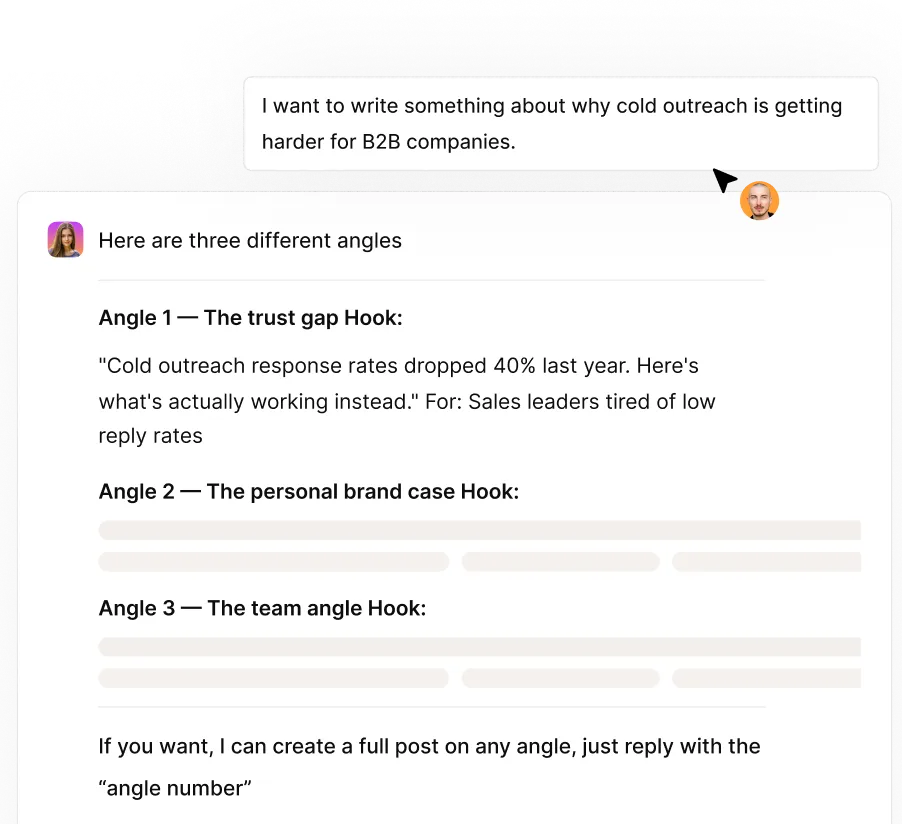
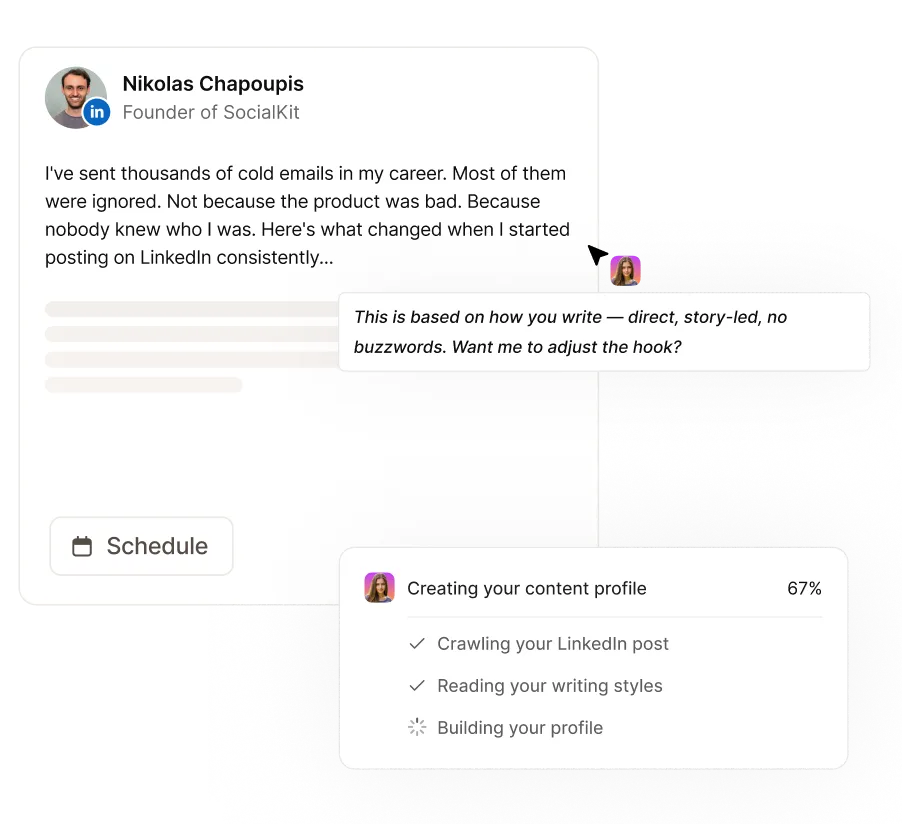
Lily understands your company and your audience from the moment you sign up. Then she learns how each person writes.
She uses this to:
Brainstorm post ideas around your value proposition
Draft posts that fit each person’s writing style
Give useful feedback on written drafts
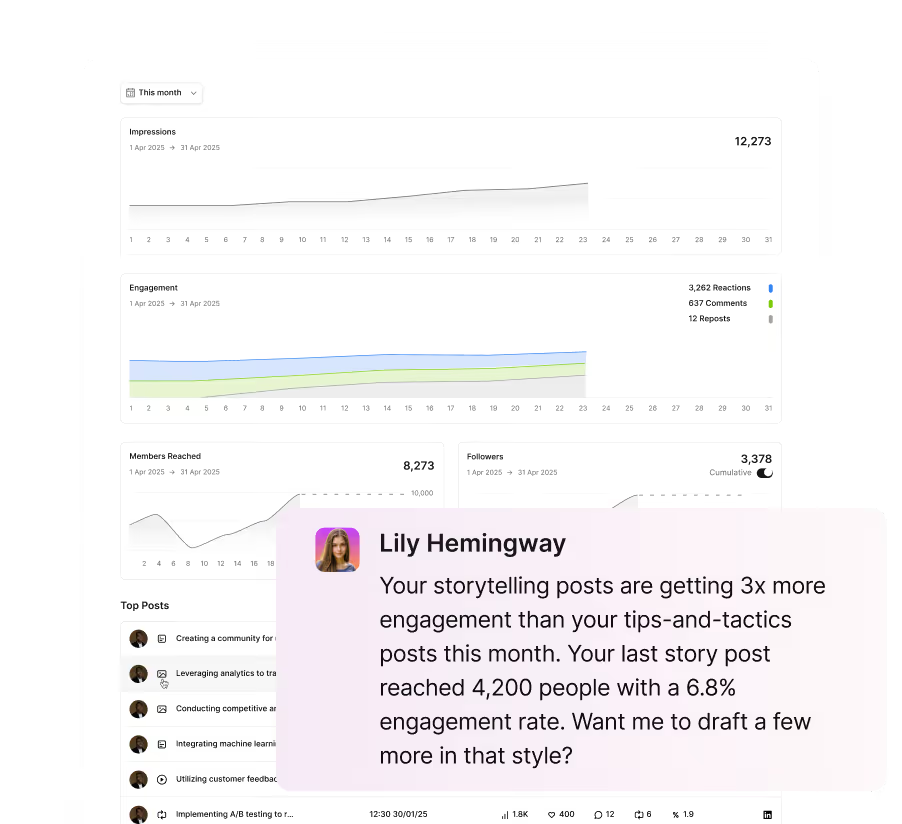
Surface analytics insights

Let's face it. Most AI writing sucks.
Everyone can tell it wasn't written by a human.
With SocialKit, team members can record a voice memo and get posts in their own words and tone. No AI-speak

Let's face it. Most AI writing sucks.
Everyone can tell it wasn't written by a human.
With SocialKit, team members can record a voice memo and get posts in their own words and tone. No AI-speak

Creating shouldn’t be a solo mission. SocialKit lets your team work together to perfect every post.
Or they can just tag Lily and get instant feedback on the hook, structure, and tone without waiting on marketing.
Creating shouldn’t be a solo mission. SocialKit lets your team work together to perfect every post.
Or they can just tag Lily and get instant feedback on the hook, structure, and tone without waiting on marketing.
Your team will post more when something's at stake.
SocialKit lets you run LinkedIn contests to keep the team active, spur friendly competition, and recognise the people driving results.

Your team will post more when something's at stake.
SocialKit lets you run LinkedIn contests to keep the team active, spur friendly competition, and recognise the people driving results.

With SocialKit’s analytics, you’ll finally be able to prove that your LinkedIn strategy drives results.
From individual stats to team-wide reach, get insights so you can double down on what’s working.
With SocialKit’s analytics, you’ll finally be able to prove that your LinkedIn strategy drives results.
From individual stats to team-wide reach, get insights so you can double down on what’s working.


Use your team's personal brands for employee-led marketing on LinkedIn.
Build your founders' personal brands and turn it into a converting channel.
Build credibility and trust on LinkedIn, so selling is easier for your sales team.


